Partsall
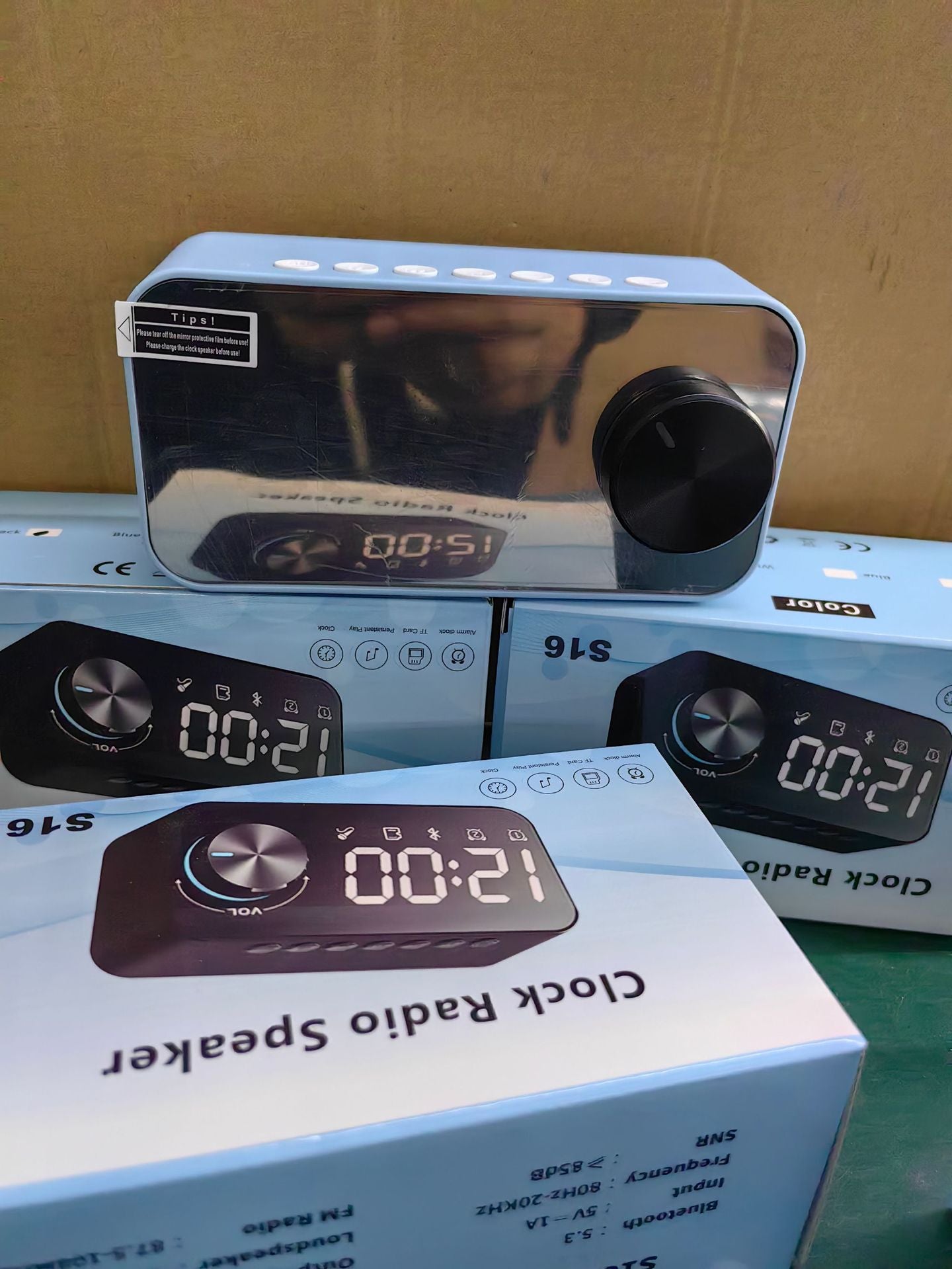
Bluetooth speaker, subwoofer, portable small stereo, mini clock, outdoor home dual alarm clock, large volume
Bluetooth speaker, subwoofer, portable small stereo, mini clock, outdoor home dual alarm clock, large volume
Regular price
$16.95 USD
Regular price
$0.00 USD
Sale price
$16.95 USD
Unit price
per
Shipping calculated at checkout.
Couldn't load pickup availability
Time and alarm settings:
Time Set
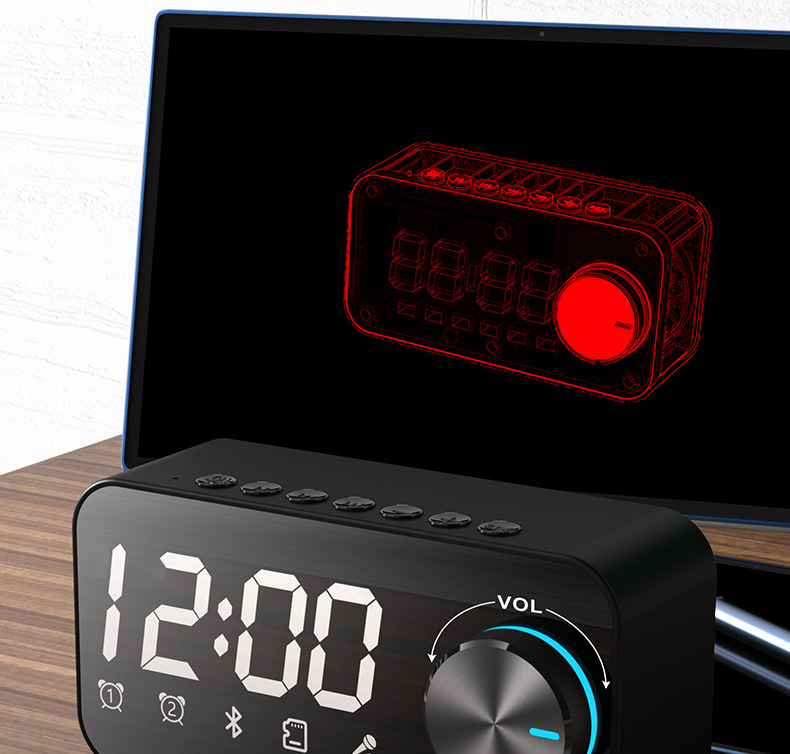
- 1. Enter Clock Mode: Press the M button to enter the clock mode sequentially.
- 2. Adjust Hours:
- · Long press the M button, and the hours will start blinking.
- · Use the + or - button to adjust the hours.
- 3. Adjust Minutes:
- · Short press the M button, and the minutes will start blinking.
- · Use the + or - button to adjust the minutes.
- 4. Complete Setting: Long press the M button to end the time setting.
- 1. Enter Alarm Setting:
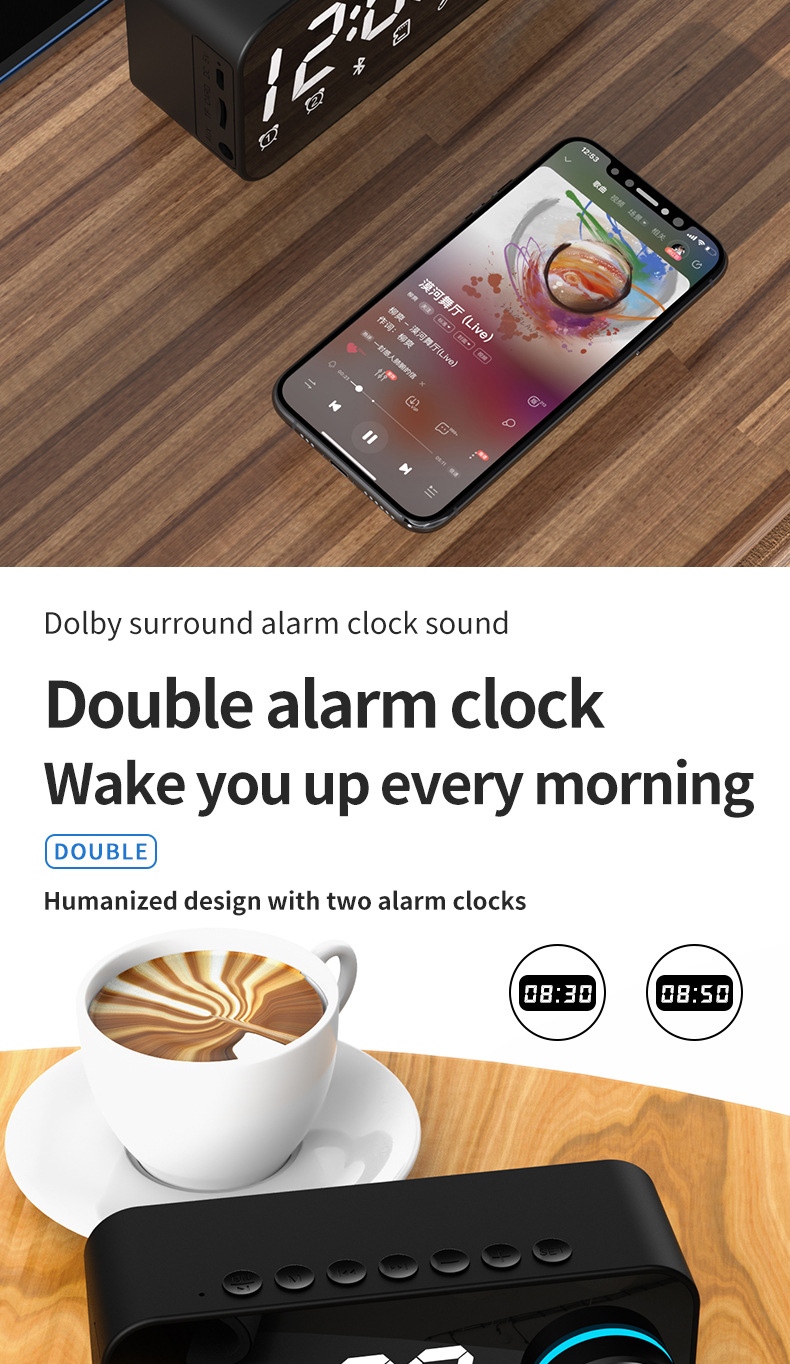
Alarm Setting (Alarm 1)
- · In Bluetooth or FM mode, double-click the SET button, and Alarm 1 light will illuminate.
- 2. Adjust Alarm Time:
- · Long press the SET button,until the time indicator blinks (note: operate within three seconds after the light illuminates).
- · Use the + or - button to adjust the hours.
- · Short press the SET button, and the minutes will start blinking; use the + or - button to adjust .
- 3. Select Alarm Tone:
- · After adjusting the time, short press the SET button to choose an alarm tone.
- · Use the + or - button to select the appropriate tone.
- 4. Save Setting:
- · long press the SET button to save.
Alarm Setting (Alarm 2)
- 1. Enter Alarm 2 Setting:
- · In Bluetooth or FM mode, double-click the SET button with Alarm 1 light illuminated, then double-click again, and Alarm 2 light will illuminate.
- 2. Adjust Alarm Time:
- · Long press the SET button, and the time indicator will blink (note: operate within three seconds after the light illuminates).
- · Use the + or - button to adjust the hours.
- · Short press the SET button, and the minutes will start blinking; use the + or - button to adjust .
- 3. Select Alarm Tone:
- · After adjusting the time, short press the SET button to choose an alarm tone.
- · Use the + or - button to select the appropriate tone.
- 4. Save Setting:
- · Long press SET to save one alarm.
Enable or Disable Both Alarms
- Enable Both Alarms: Double-click SET button to turn on alarms 1 and 2 at the same time.
-
Disable Alarms:
- Double-click the SET button again to turn off both alarm lights.
- Or, long press the SET button to disable all alarms.
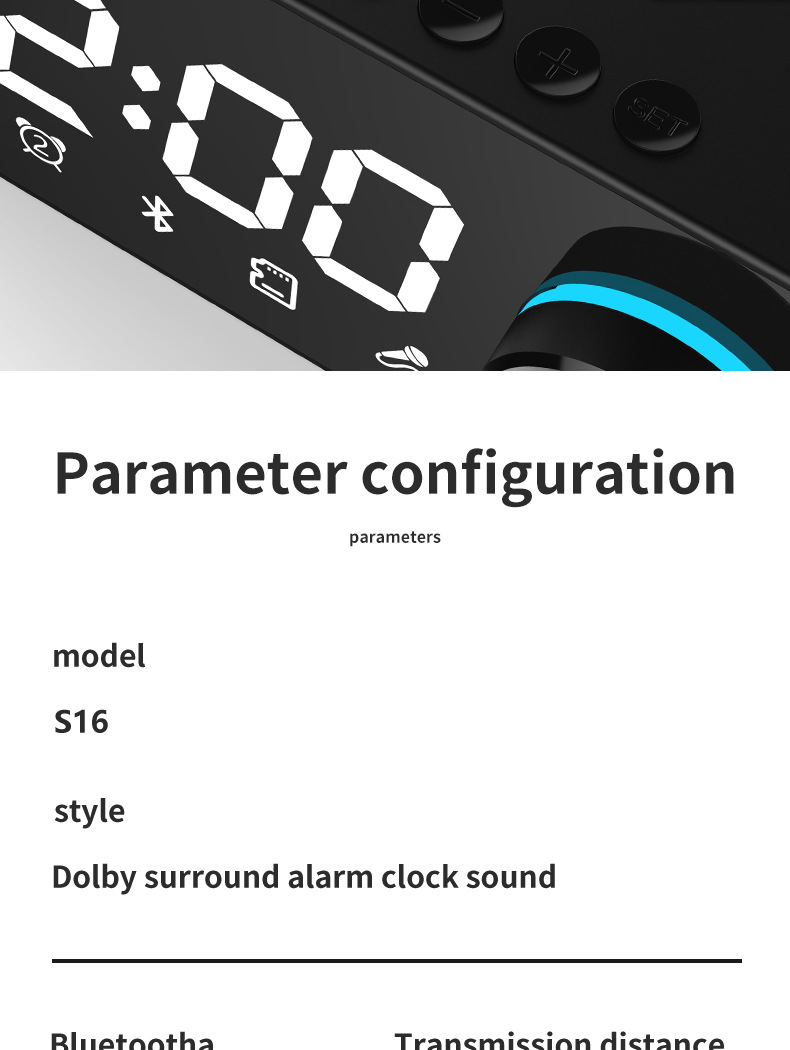
Single color box size: 80 * 47 * 133mm
Product color: white, black, pink, blue
Product accessories: charging cable, manual
Battery capacity: Class A 1200MAH
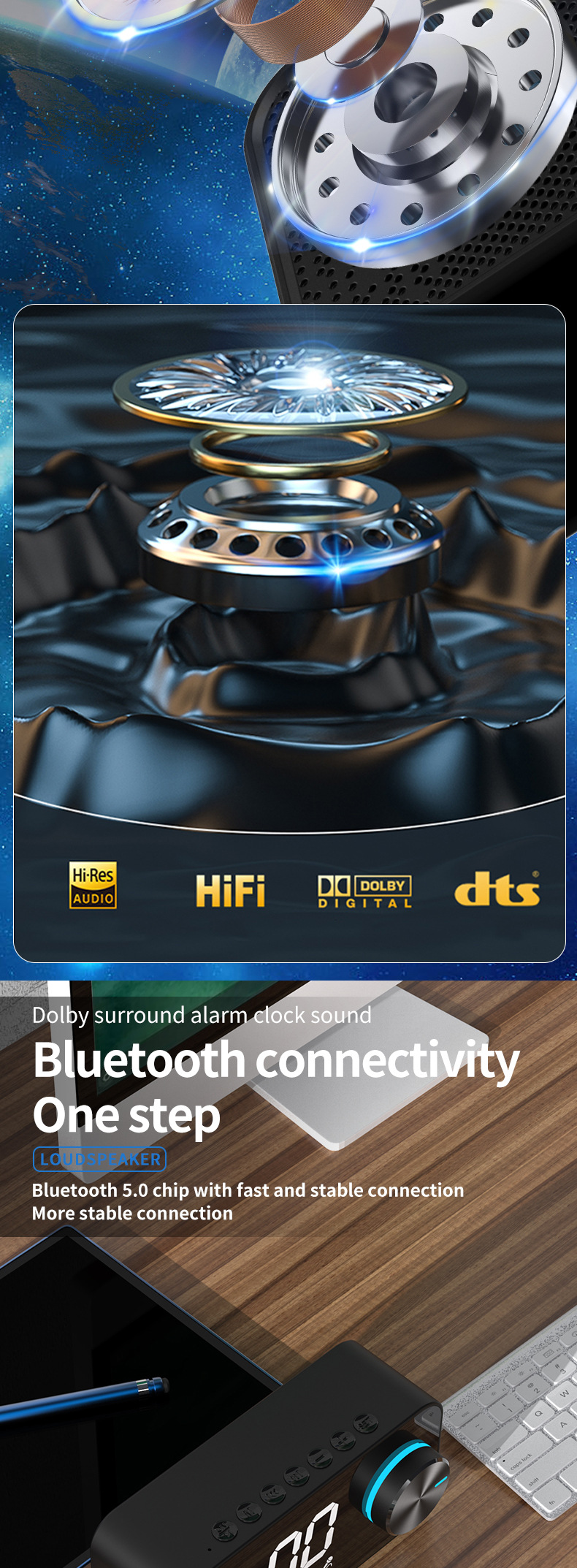
Bluetooth version: 5.3
Output power: 5W
FAQ: How to set the time: first press M to adjust to the time mode, long press the M key to adjust the time, and long press M to confirm after adjustment






Materials
Materials
Shipping & Returns
Shipping & Returns
Dimensions
Dimensions
Care Instructions
Care Instructions