Skip to product information
1 of 7

Partsall

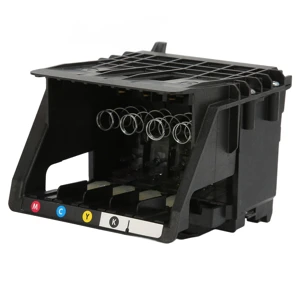
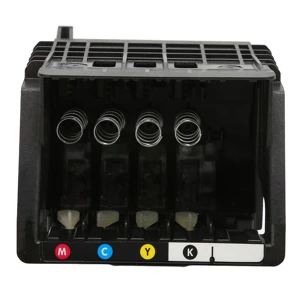
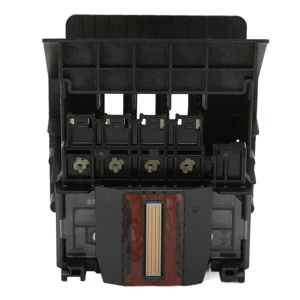
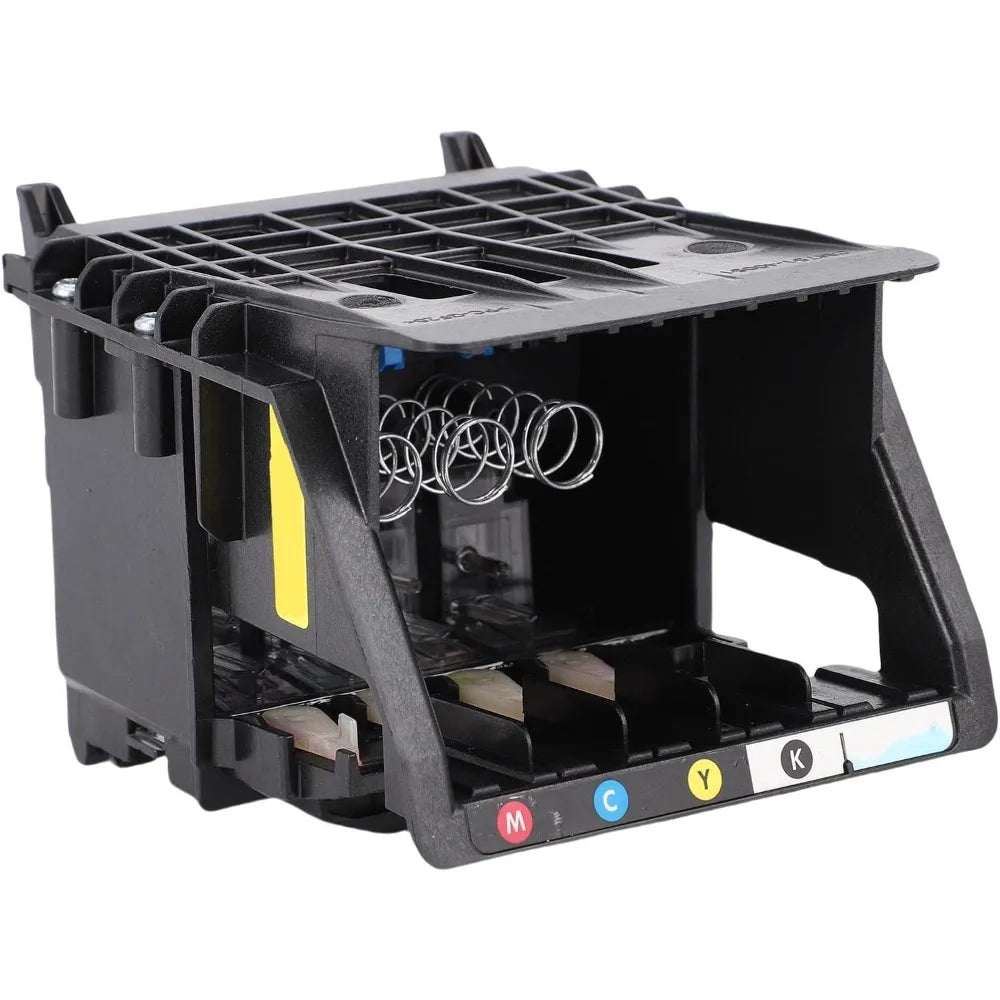
950 951 Printhead for OfficeJet Pro 8100 8600 8610 8620 8650 251DW 251 276DW

950 951 Printhead for OfficeJet Pro 8100 8600 8610 8620 8650 251DW 251 276DW

Regular price $99.74 USD
Regular price $0.00 USD Sale price $99.74 USD
Sale Sold out
Shipping calculated at checkout.

Product Description


950 951 Printhead for HP OfficeJet Pro 8100 8600 8610 8620 8650 251DW 251 276DW Upgrade 950 951 Print Head Nozzle Printer Replacement Parts 8100 8610 8620 8650 251DW 251 276DW Upgr

YT


Clean llation: this printhead kit carries best one printhead, no other accessories or extra tools are wished, simplyPush the printhead to complete the set up, saving time.


Crucial: for galaxy be aware 10 pen (without ) can't use the stylus to govern bluetoothCapabilities along with taking pics at the telephone (please notice while shopping). 951 Print Head Nozzle Printer


High overall performance: upgrade 950 print head chip, pick out ink cartridges quicker, print head ink jets smoothly, protect the printer, print clear andColorful.
 

1

2612220100711-2

2612220100711-3


1

2612220100711-2

2612220100711-3


1. Easy Installation: This printhead kit contains only one printhead, no other accessories or extra tools are needed, just push the printhead to complete the installation, saving time.


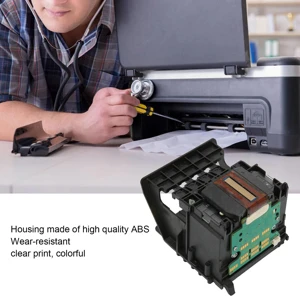
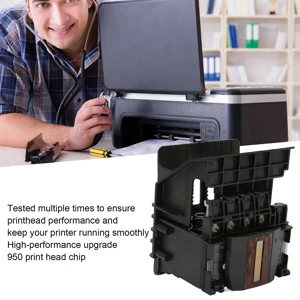
2. Material: The shell is made of ABS, wear resistant, and has been tested many times to ensure the printhead performance and keep your printer running smoothly.


3. High Performance: Upgrade 950 print head chip, identify ink cartridges faster, print head ink jets smoothly, protect the printer, print clear and colorful.


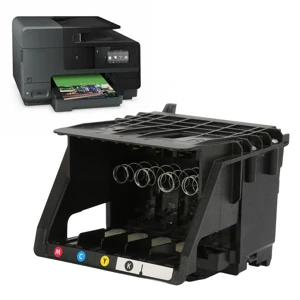
4. Applicability: Compatible with for hp office Jet 8100 8600 8610 8620 8650 251DW 251.


5. Note: Be careful when installing the nozzle, be sure to cut off the power before putting it away.


Specification:


Item Type: Print Head


Product Material: ABS


Applicable: for HP OfficeJet Pro 8100 8600 8610 8620 8650 251DW 251


Package List:


1 x Print Head


Notice:


Solution for incompatibility: Reset the printer, follow the steps below to reset the printing device. Turn on the printer (if not already turned on). Wait for the printer to come to a complete standstill before continuing. After turning on the printer, disconnect the power cord from the back of the printer. Unplug the power cord from the wall outlet. Wait at least 60 seconds. Plug the power cord back into the wall outlet. NOTE: for HP recommends plugging the printer power cord directly into a wall outlet. Reconnect the power cord to the back of the printer. Turn on the printer (if not already turned on automatically). The printer may take a while to warm up. The printer lights might be blinking, and the carriage might move. Wait for the printer to warm up and come to a complete standstill before proceeding. If the above methods cannot solve the compatibility problem, you need to replace the original ink cartridge and ink.


Materials

Shipping & Returns

Dimensions

Care Instructions

View full details